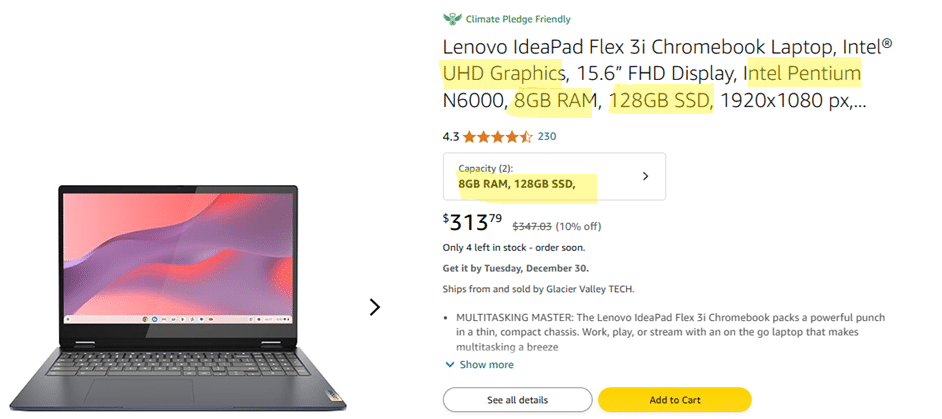
2026 Beginner Guide to Reading Computer (Laptop) Specifications
When I first became interested in computers, I had no idea what specifications like RAM, number of cores, VRAM, HDD, or SSD actually meant.
The only thing I knew back then was that more gigabytes meant more storage, and that faster CPUs meant faster computers.
This is a short guide — a quick crash course — for anyone who is in that same position.
Don’t worry.
We won’t get into technical details here. We have other posts for that.
In this guide, we’ll simply go over the basics and break things down so you’re a little more informed before shopping for a computer.
1. Processor (CPU)
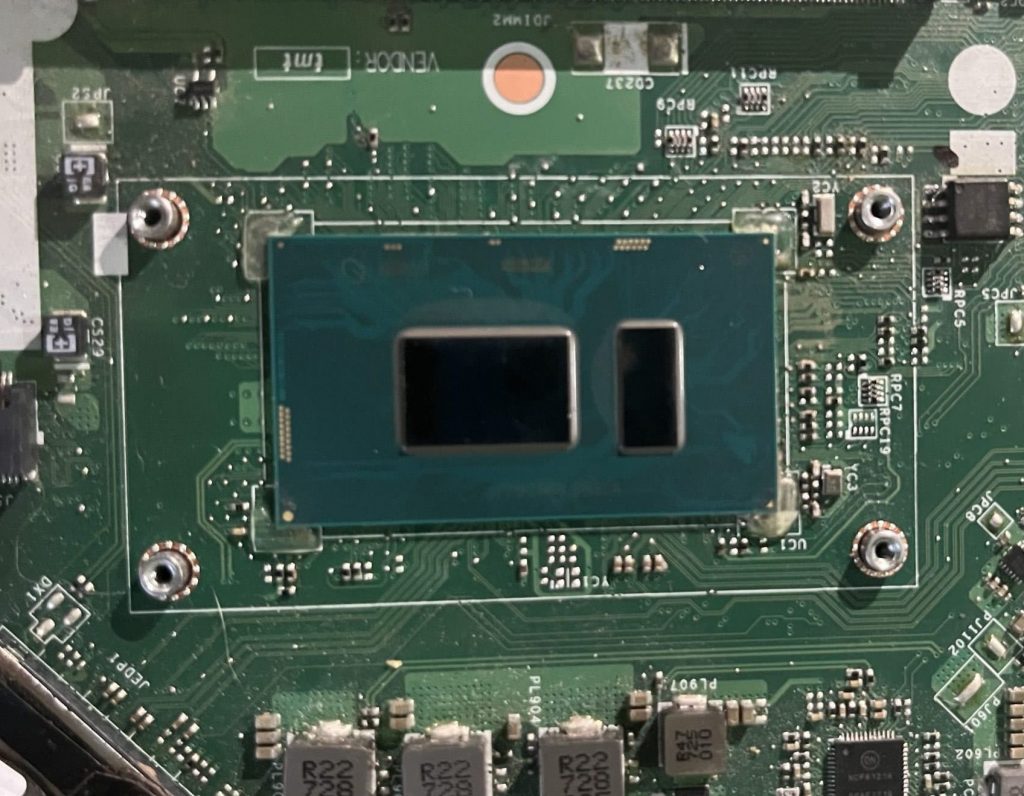
CPUs or processors are in charge of “running” applications. The “heavier” or “fancier” your application or software is, the beefier your CPU needs to be.
Heavy tasks: gaming, video editing and 3D Animation,etc. These will need at least a Core i5/Ryzen 5 CPU.
Basic Tasks: Things like web browsing, typing essays and watching videos among others do not need a “super fast” CPU. Virtually every modern CPU will be okay.
Clock Speed
The most important specification for heavy applications is clock speed — in simple terms, speed.
Although heavy tasks can run on almost any CPU, processors with higher clock speeds (measured in GHz, for example 4.0 GHz) will make your workflow faster.
Basic tasks do not benefit much from high clock speeds. Anything around 3.0 GHz is usually more than enough.
Cores
You’re likely familiar with terms like “multicore CPU,” “dual-core,” “six-core,” and “octa-core”—but what exactly is a core?
A modern CPU isn’t a single large unit; rather, it’s a collection of smaller processing units called cores.
These cores are the “mini-boxes” where your applications run. In essence, having more cores can improve performance, especially for multitasking and multi-threaded applications, as each program can operate on its own core.
Below are the most common CPU types you’ll find:
Brand
Intel Core i3 and AMD Ryzen 3:
- These models have up to 4 cores and clock speeds typically capped at 4GHz.
- They are designed for multitasking basic applications and handling general computing tasks such as web browsing, video streaming, programming, and other light activities.
- Their lower power consumption generally results in better battery life.
Intel Core i5 and AMD Ryzen 5:
- These CPUs can feature up to 6 cores and clock speeds that exceed 4GHz.
- They represent the minimum requirement for heavy-duty applications, including high-graphics gaming, 3D modeling, video editing, and professional photo editing.
Intel Core i7 and AMD Ryzen 7:
- Offering up to 8 cores and clock speeds close to 5GHz, these processors may not be the fastest on the market but deliver ample power for 90% of gamers, 3D designers, and video editors.
Other Processors You May Find
Intel Celeron: Budget-friendly, low-power CPUs for basic tasks like browsing and word processing. Great for battery life but not for heavy workloads.
Intel Pentium & AMD Athlon: A step up from Celeron, offering better performance for everyday computing while staying affordable.
Intel Core Ultra (Ultra 5 / Ultra 7 / Ultra 9): These are Intel’s newer-generation CPUs. Better efficiency, longer battery life, and improved multitasking compared to older Core i5 and i7 processors. Core Ultra CPUs also include built-in AI acceleration (NPU), making them more future-proof for AI-assisted apps, content creation, and productivity tasks.
Generation
The recommendations above apply only to recent-generation CPUs. You can determine a CPU’s generation by looking at the first digit of its model number.
- AMD Ryzen: Recent generations include the 6th, 7th, and 8th (e.g., Ryzen 7 8845HS).
- Intel Core: Similarly, 12th, 13th, and 14th (e.g., Core i9-14900HX) are considered recent.
Series
Ever noticed weird letters like U, P, G, or H on a CPU? They actually tell you what kind of chip you’re dealing with.
- H, HK, HS, HX – The Powerhouses 💪
If it has an H, it means “High Performance”—basically, the fast and beefy CPUs meant for gaming, video editing, and heavy workloads. More cores, more speed, more heat. If you need max power, this is what you want. - P – The Middle Child 🤷♂️
Not as power-hungry as H-series, but still faster than U-series. P-series is for thin-and-light laptops that still need solid performance. Think of it as a balance between power and battery life. - U & G – The Chill Ones 🌱
U-series = Ultra-low power, meaning great battery life but weaker performance. Perfect for web browsing, Netflix, and grandma-approved email checks.
G-series is similar but often has better graphics for things like light gaming or video streaming.
Intel Core Ultra (e.g., Ultra 7 155H, Ultra 5 135P):
These are Intel’s newer CPUs that include a dedicated AI engine (NPU).
This means they perform AI-powered tasks more efficiently than older Intel chips that lack an NPU.
AMD Ryzen AI (e.g., Ryzen 9 8945HS):
AMD’s processors with built-in AI acceleration designed to improve efficiency in supported AI tasks.
They combine strong CPU and integrated GPU performance with better power management when AI features are in use.
TL;DR:
- H-series = Beast mode for gamers & creators.
- P-series = A solid middle ground.
- U-series = Sips battery, good for daily stuff.
- G-series = Like U, but a bit more graphics-friendly.
- Ultra & Ryzen AI = AI magic boost.
2. RAM
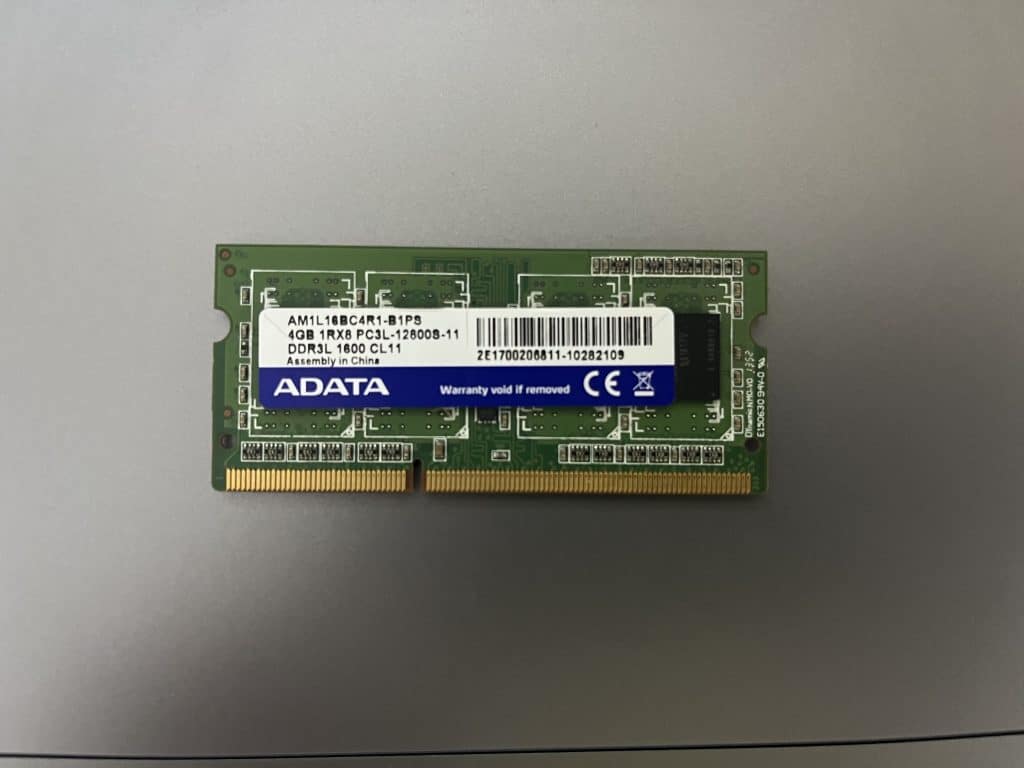
RAM is basically your computer’s short-term memory. It’s way faster than storage because it sits much closer to the CPU. More RAM means your computer can handle multiple tasks at once without slowing down.
How Much RAM Do You Need?
- 2GB RAM – Absolute Minimum 🛑
- Works for Chrome OS, macOS, Windows 10 S, Windows 11 S, and Linux—but only for basic stuff like web browsing, word editing, and watching videos.
- 4GB RAM – Barely Hanging On 😬
- Good for the OSs above, ONLY if you don’t go crazy with multitasking. If you love opening 20+ Chrome tabs, you’ll feel the lag.
- 8GB RAM – The Standard ✅
- Bare minimum for full Windows 10/11 (Home/Pro).
- Decent for light gaming, video editing, and multitasking. Anything less will struggle with modern apps.
- 16GB RAM – Power User Territory ⚡
- Ideal for pro-level video editing, 3D modeling, CAD, and heavy Photoshop use.
- Overkill for gaming unless you’re running multiple demanding apps at the same time.
RAM Generations – DDR3 vs. DDR4 vs. DDR5
These are the most recent RAM types, but DDR3 is ancient at this point. Each new generation is faster and more power-efficient than the last.
3. STORAGE
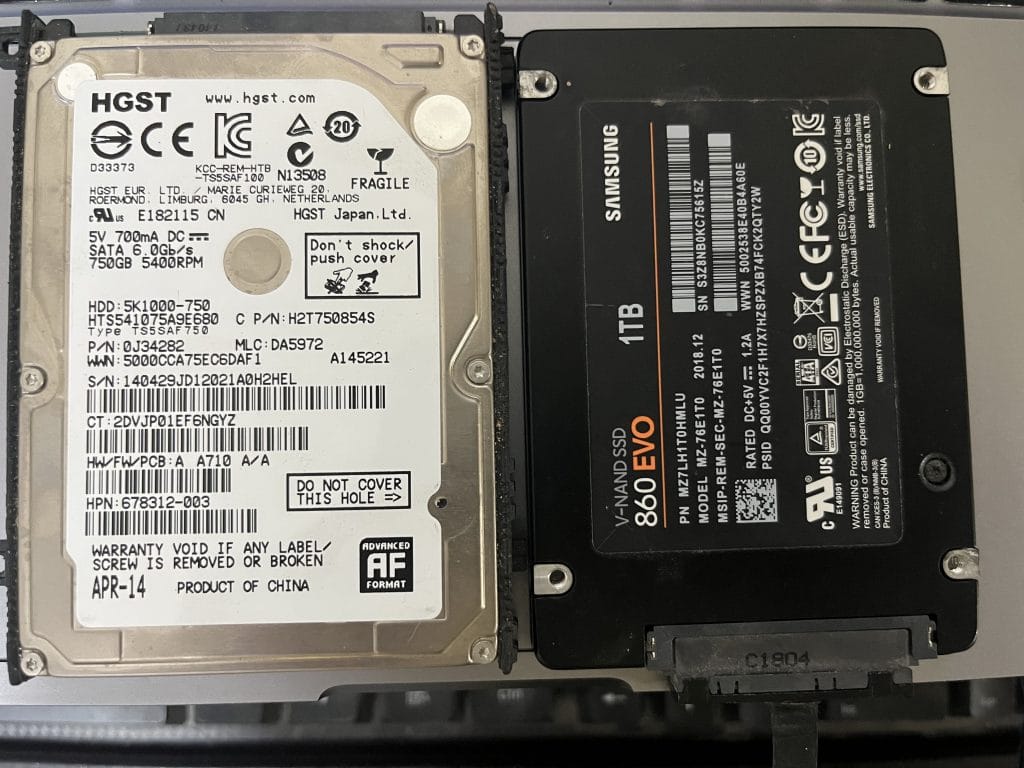
Size
Computer files, especially software, are much bigger than those on your phone.
SSDs come in various sizes, but anything over 256GB gets pricey. Let’s do some quick math to see if you actually need more than that.
How Much Space Do Common Files Take?
- Windows OS: ~20GB
- Basic software (Office, video/photo editing apps): ~10GB
- Total reserved space: ~30GB
Now, let’s look at typical file sizes:
📸 DSLR Photo → ~10MB
🎬 2-hour 1080p movie → ~8GB
🎞️ 2-hour encoded movie → ~300MB
How Many Files Fit on Each SSD Size?
| Storage | Movies (DVD, 8GB each) | Movies (Encoded, 300MB each) | DSLR Photos (10MB each) |
| 128GB (120GB usable) | 11 | 300 | 9,000 |
| 256GB (226GB usable) | 27 | 733 | 22,000 |
| 512GB (482GB usable) | 60 | 1,600 | 48,000 |
| 1TB (970GB usable) | 121 | 3,233 | 120,000 |
What’s the Sweet Spot?
Even 128GB is enough for regular use unless you install AAA games, 3D modeling software, or store 4K videos/CAD files.
🔹 Casual users (web browsing, office work, light media) → 128GB–256GB is fine.
🔹 Gamers, content creators, or professionals → At least 512GB recommended.
4. Graphics Card(GPU)
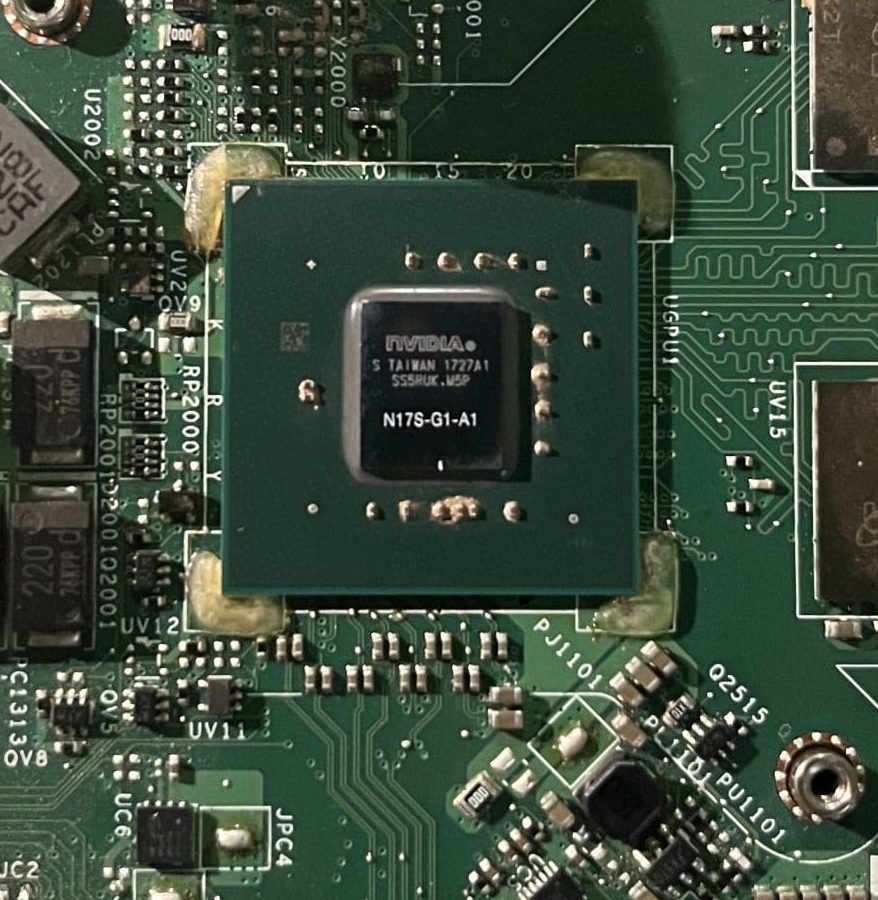
If you’re getting a computer for 3D modeling, video editing, or high-end photo editing, you need to understand the difference between integrated and dedicated graphics cards.
Types of GPUs
Integrated Graphics – Built-In & Efficient 🖥️
Every laptop and desktop comes with an integrated GPU by default. These share resources (like RAM) with the CPU.
✅ Great for basic tasks, web browsing, video playback, light gaming, and casual image editing.
✅ Modern integrated GPUs can handle photo/video editing and even some high-end games surprisingly well.
Dedicated Graphics – Extra Power 🎮🎬
Dedicated GPUs have their own memory (vRAM) and way more power for demanding applications. They don’t borrow system RAM, making them ideal for:
✅ High-end gaming
✅ 3D modeling & CAD work
✅ Professional video editing
How to Tell If You Have a Dedicated GPU?
- Look for vRAM mentioned in the specs.
- Check for “Radeon RX” or “NVIDIA” branding.
- Examples: NVIDIA GeForce RTX 4060, AMD Radeon RX 7800M.
Workstation GPUs – Built for 3D Design & Animation 🏗️
These are a special class of dedicated GPUs meant for professional 3D modeling, CAD, and animation. There’s debate on whether they’re worth it for regular users, but for highly complex designs, they’re essential.
Comments?
If you found this too technical or if there’s something you don’t understand please let me know in the comments below. PC
